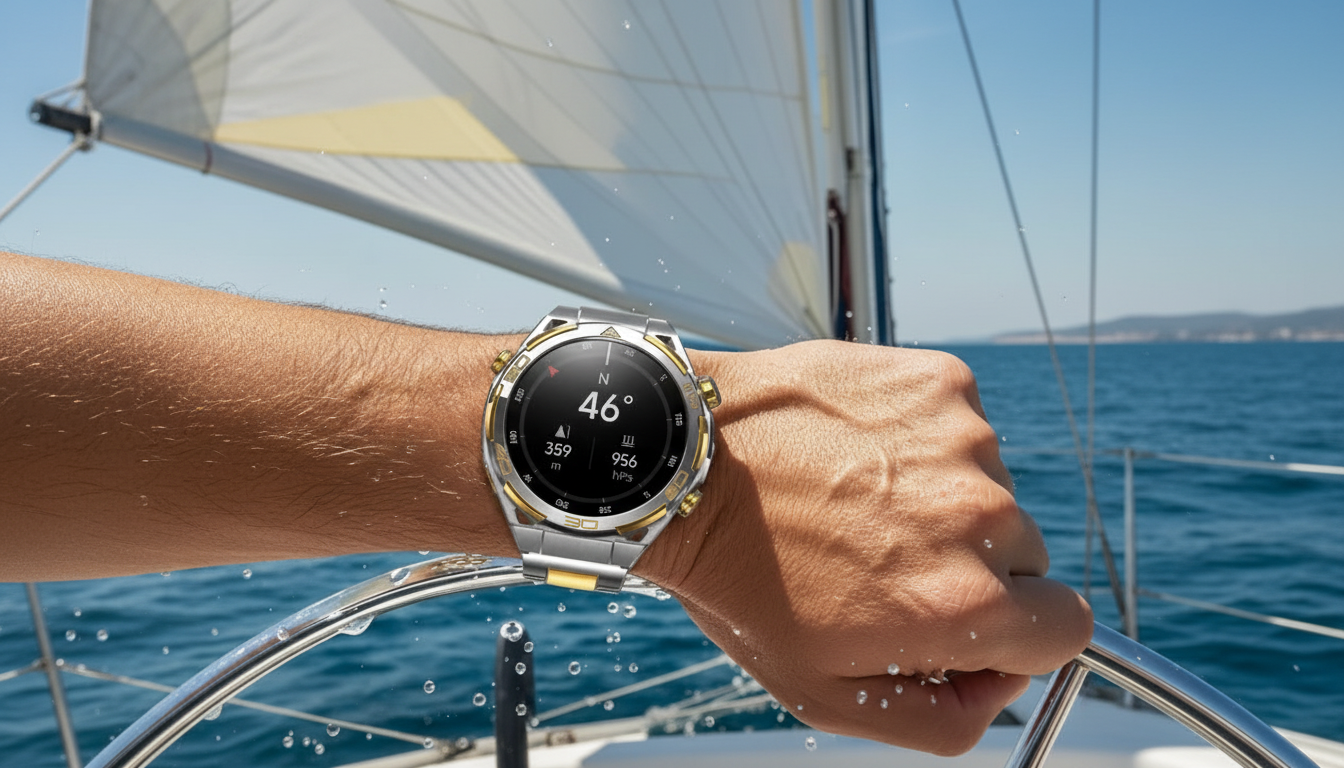
An outdoor-ready smartwatch should be easy to read in changing light, keep tracking without constant charging, and stay reliable when routes, weather, and pace change. This guide breaks down what to look for in an AMOLED GPS watch, how the core features affect real-world use, and how to get the most from daily training and weekend adventures.
Use the table as a checklist while deciding which features are essential for the activities planned. Confirm what’s included in the box (charging cable, spare strap, screen protector) on the product page before checkout.
| Feature | What it affects day to day | What to verify before buying |
|---|---|---|
| AMOLED display | Sharper contrast for maps/widgets and easier nighttime viewing | Screen size, brightness controls, always-on option |
| GPS tracking | Route recording, pace/speed, distance accuracy | Supported satellite systems, time-to-first-fix, GPS power modes |
| Battery life | How often charging interrupts workouts and trips | Typical life with GPS on, with notifications, and with always-on display |
| Health tracking | Training load cues and daily wellness trends | Heart rate, sleep tracking, SpO₂ availability, data export options |
| Water resistance | Rain, handwashing, sweat, and swimming suitability | Rating (e.g., IP/ATM), swimming guidance if applicable |
| Connectivity | Phone alerts, syncing, and call controls | Bluetooth compatibility, app requirements, OS support |
AMOLED screens stand out for crisp contrast—especially helpful when checking elevation changes, pace fields, or a quick alert in low light. For outdoors, brightness controls matter just as much as color: a higher peak brightness and an adaptive brightness mode improve legibility in direct sun.
GPS accuracy depends on satellite visibility, terrain, and the watch’s sampling settings. Dense tree cover, steep canyons, and urban corridors can reduce precision because the signal becomes weaker or bounces. For a solid foundation on how GPS works, see GPS.gov.
Battery drain varies most with GPS usage, screen settings, and notification volume. “Long-lasting” usually means the watch can handle a full week of normal wear or multiple workouts without forcing a daily charging routine—but the moment you add continuous GPS and a bright screen, the math changes.
Health features are most helpful when they support consistent habits: training zones, recovery awareness, and daily trends. For consumer-friendly context on wearable health tracking, see MedlinePlus.
Smartwatch convenience depends heavily on Bluetooth stability: reliable syncing after workouts, consistent alert delivery, and fewer connection headaches. For an overview of how Bluetooth works across devices, see the Bluetooth SIG.
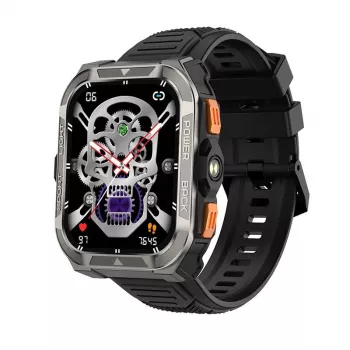
If you want a vivid screen for quick readability plus practical GPS-focused tracking, consider the Outdoor GPS Smartwatch with AMOLED Display and Long-Lasting Battery. It’s designed for everyday wear while staying ready for hikes, runs, and travel days where quick glances and dependable tracking matter.
Yes—AMOLED offers strong contrast, but bright-sun readability depends on peak brightness and adaptive brightness settings. Using always-on display can make quick checks easier, though it typically shortens battery life.
It depends on GPS power mode, screen settings, and how many notifications you receive. For longer outings, use raise-to-wake, limit alerts, and reserve always-on display for shorter sessions.
Sync with your phone before you go, then wait for a solid satellite lock in an open area at the trailhead. When available, enabling multi-satellite modes can improve performance in trees and canyons, though it may increase battery drain.










Leave a comment