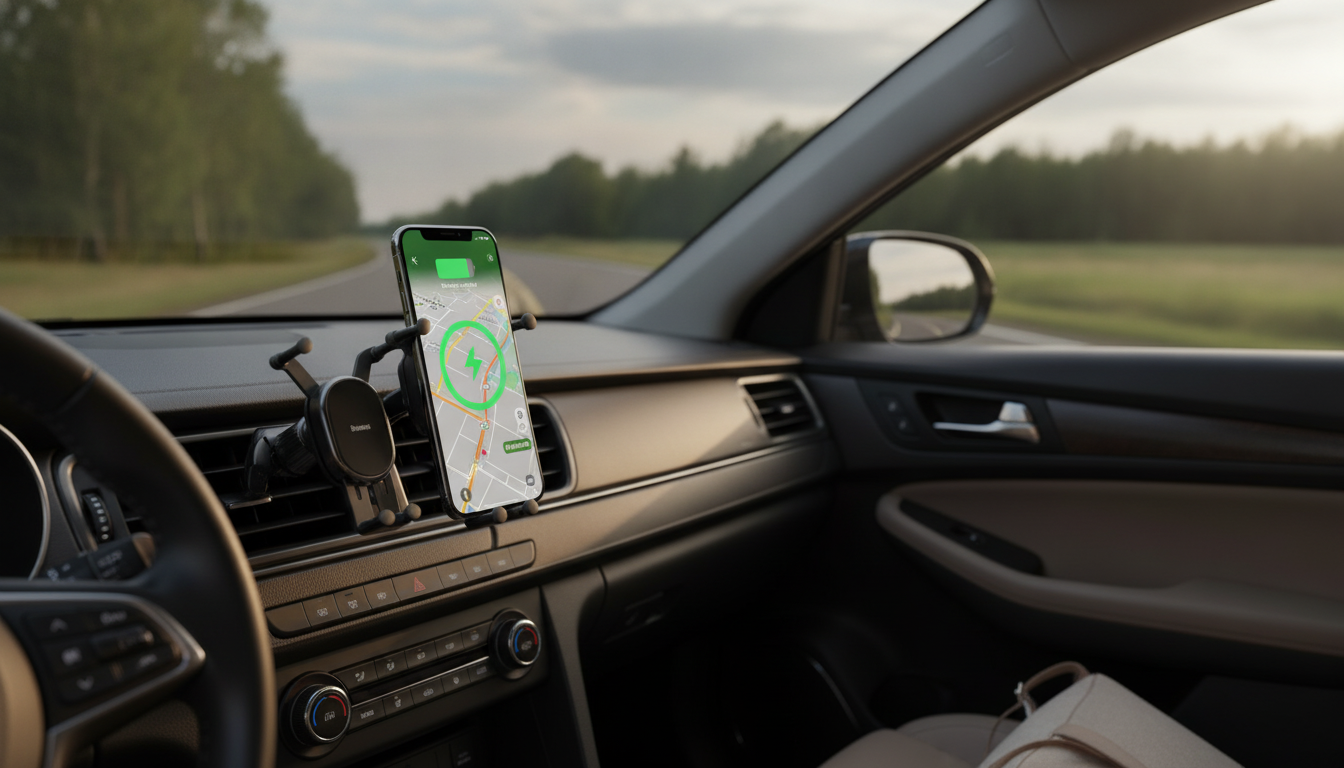
A reliable car phone mount should hold steady over bumps, keep the screen visible for navigation, and power the phone without cable clutter. The 15W Wireless Fast-Charging Car Phone Mount with Auto-Locking Clamp pairs an auto-locking grip with wireless charging, aiming to simplify daily driving setups while helping keep your phone secure and easy to glance at when needed.
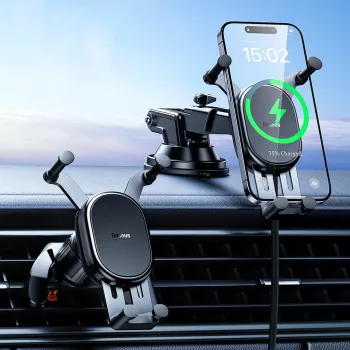
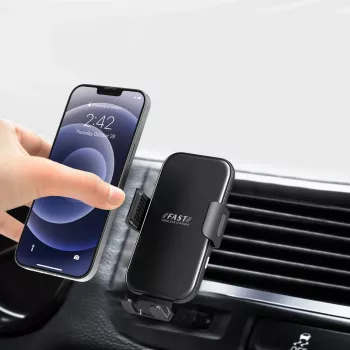
This accessory combines two everyday essentials into one: a phone holder and a wireless charger. Instead of mounting your phone and then reaching for a cable, you dock your device once and let the mount handle both positioning and power.
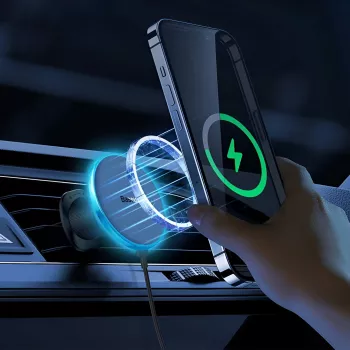
Because it supports Qi wireless charging (the widely adopted standard managed by the Wireless Power Consortium), it’s designed to work with many modern smartphones that already support wireless charging.
Car mounts can look similar, but the details matter when you’re dealing with stop-and-go traffic, potholes, and constant temperature changes inside a vehicle. This mount focuses on the practical features drivers tend to notice every day.
For safer driving habits, keep interactions minimal while moving and lean on voice control where possible. The NHTSA’s distracted driving guidance is a helpful reference for keeping attention where it belongs.
Use the table below as a fast checklist before buying. Confirm your phone supports Qi wireless charging (or uses a compatible receiver case/accessory). For best results, pair the mount with a quality car charger that can supply sufficient wattage.
| Item | Details |
|---|---|
| Product | 15W Wireless Fast-Charging Car Phone Mount with Auto-Locking Clamp |
| Charging type | Wireless (Qi-compatible) |
| Max wireless output | Up to 15W (device-dependent) |
| Grip mechanism | Auto-locking clamp |
| Primary use | In-car phone mounting + charging for navigation and hands-free use |
| Price | $26.51 USD |
| Availability | In stock |
A little planning upfront can prevent most “wireless charging isn’t working” frustrations later. Before you commit to a mounting spot, think about phone fit, power, and the realities of heat inside a parked car.
If you frequently drive in bright sun, try to mount the phone where it’s less exposed to direct rays. Heat can cause phones to limit charging speed to protect the battery, so a cooler spot often translates to more consistent power delivery.
This mount’s biggest advantage is how it streamlines the start and end of each drive. Over time, those small moments add up—especially if you run errands, commute daily, or drive professionally.
For longer drives, pairing a solid mount with a dependable wearable can also reduce unnecessary phone pickups. The Outdoor Smartwatch with LED Flashlight & Ultra-Long Battery Life can keep key alerts on your wrist, while your phone stays mounted for navigation.
If your car tends to accumulate small items (spare cables, wipes, travel tissues), keeping the front area tidy can also make docking smoother. The Large Capacity Non-Woven Clothes & Quilt Storage Bag Organizer can be repurposed for trunk organization to reduce clutter that eventually migrates to the front seats.
If your goal is a cleaner, more consistent setup, the 15W Wireless Fast-Charging Car Phone Mount with Auto-Locking Clamp is a straightforward upgrade at a budget-friendly price point.
No. 15W is the maximum output, but real-world speed depends on your phone’s Qi charging profile, the car adapter’s wattage, coil alignment, case thickness, and whether the phone reduces charging due to heat.
Many standard cases work fine, but thick cases, metal plates, magnets, and wallet attachments can interfere with charging. If charging is inconsistent, try removing accessories or switching to a slimmer case.
Place it where it doesn’t block your view of the road, airbags, or essential controls, and where you can glance at it without looking far away from your normal sightline. Keep interactions minimal while driving and rely on voice control when possible.










Leave a comment