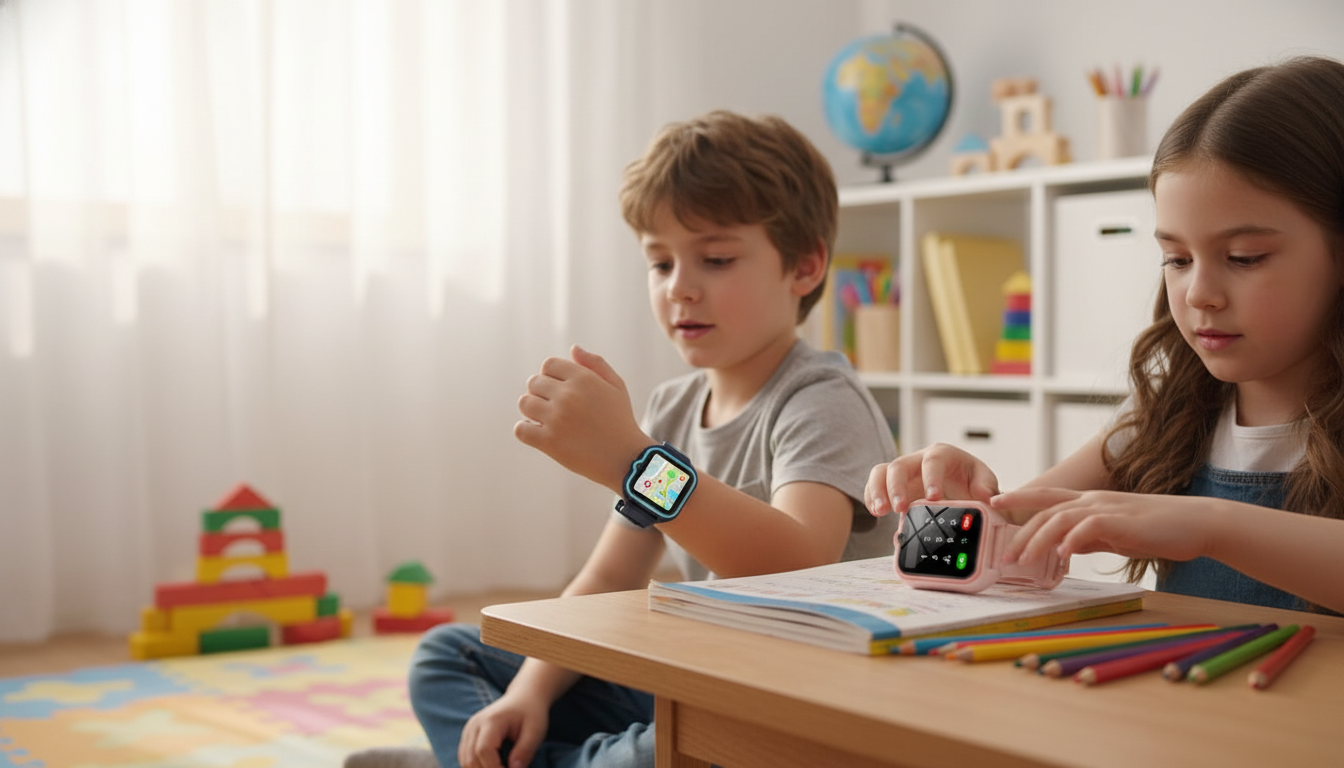
A kids smartwatch can add peace of mind without handing over a full smartphone. The 4G Kids Smart Watch with GPS Tracking & SOS Safety is built for everyday check-ins, location awareness, and quick emergency contact—while keeping the experience simple enough for kids and practical for caregivers. For more guidance, see Kids Watch Review – Squix – TechBlog.
Kids wearables work best when they stay focused on a few core jobs rather than trying to replace a phone. This 4G kids watch is designed around safety-minded communication and visibility for caregivers—without piling on endless apps. For further reading, see How to Set Up a Kid’s Smartwatch: User’s Guide – Findmykids App.
For families who also want an option geared more toward adult outdoor use (think longer runtime and utility features), the Outdoor Smartwatch with LED Flashlight & Ultra-Long Battery Life can be a practical companion device for hikes, evening dog walks, or power-outage readiness.
Not every “kids GPS watch” behaves the same once it’s on a wrist and in the real world. A quick feature check (and a short practice routine) makes the watch more useful when it matters.
If the watch is intended for real emergencies, take a moment to understand how calling works in your area. The FCC’s consumer guide on 911 and E911 services is a helpful reference for how emergency calling and location information can differ across devices and networks.
Setup is usually straightforward, but the “last 10%” is what prevents frustrating surprises on the first school day. Plan a short setup window at home, then do a quick outdoor test to see how location updates behave where your child actually spends time.
| Step | What to do | Why it matters |
|---|---|---|
| Insert SIM and activate plan | Confirm voice + data works on the SIM before inserting (if possible) | Avoids setup delays and missing location updates |
| Charge fully | Charge to 100% and note typical daily drain | Helps set expectations for school-day use |
| Add SOS contacts | Choose 2–3 trusted numbers and test the SOS flow | Ensures the child can reach help quickly |
| Set safe contact list | Allow only approved callers (if supported) | Reduces unwanted calls |
| Check location performance | Compare indoor vs outdoor updates | Sets realistic expectations for accuracy |
Location tools on kids smartwatches are best viewed as “awareness support,” not a perfect live map. The watch may use a combination of signals depending on where your child is and what’s available at that moment.
If you’re ready to set up a simple, safety-focused wearable, view the 4G Kids Smart Watch with GPS Tracking & SOS Safety for current pricing and availability.
Most 4G kids smartwatches require an active SIM card and plan to enable calling, messaging, and data-based features like location updates. Compatibility can vary by carrier, region, and supported network bands, so it’s important to confirm requirements before activation.
Accuracy can be better outdoors with clear sky visibility and may be less precise indoors or near tall buildings. Many watches use Wi‑Fi or cellular positioning when GPS isn’t strong, so results can vary by environment and update settings.
Typically, an SOS press triggers alerts and places calls or sends messages to preset emergency contacts in a sequence, often including the child’s location. Testing the SOS flow and teaching your child when to use it helps avoid confusion in urgent moments.











Leave a comment