15W Magnetic Wireless Car Charger Mount for iPhone 16–13
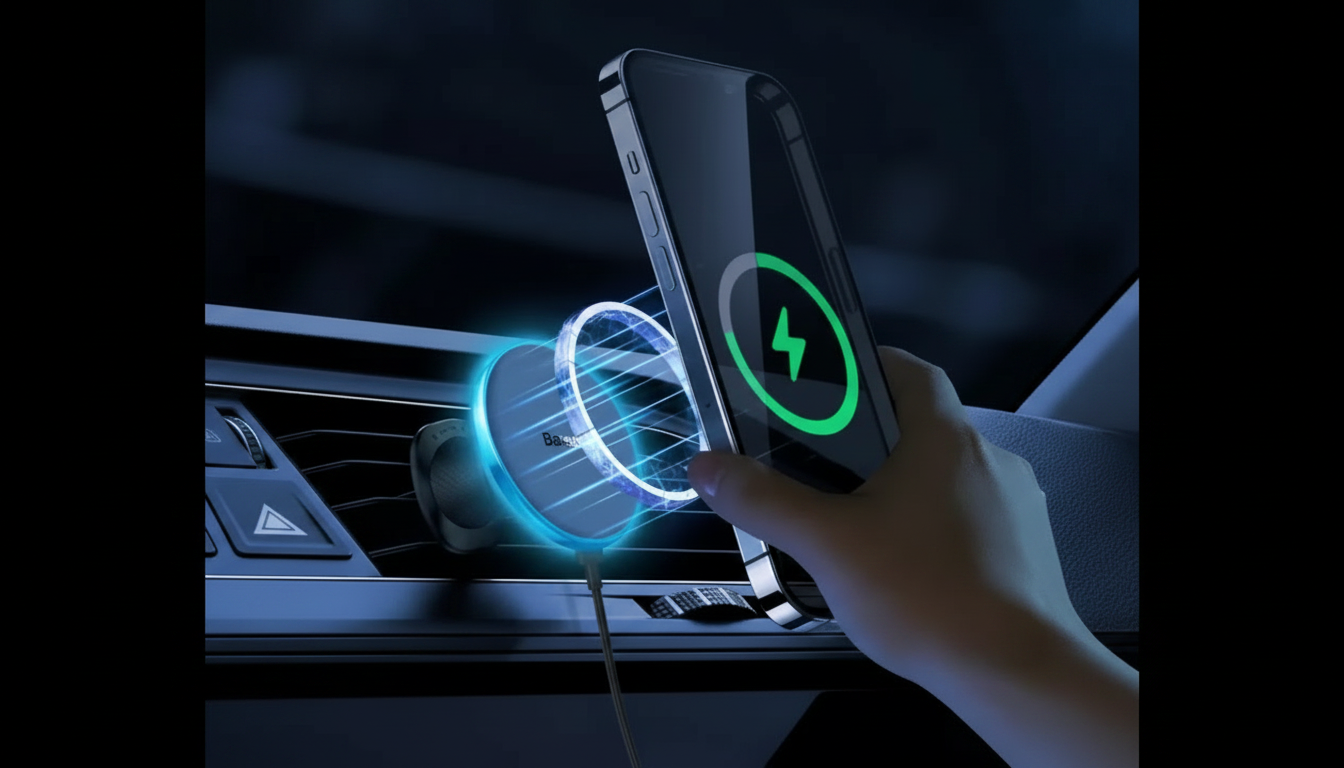
Magnetic 15W Wireless Car Charger & Phone Mount for iPhone 16–13
A magnetic wireless charger mount keeps an iPhone secure, visible for navigation, and charging without the hassle of plugging and unplugging a cable every time you get in the car. With a 15W magnetic wireless car charger, the goal is simple: quick docking, stable alignment on real roads, and dependable power during commutes, errands, and long drives. Below is what to expect from a MagSafe-style setup, how to mount it for consistent charging, and how to confirm compatibility with iPhone 16–13 and common cases.
What a magnetic wireless car charger mount does well
A good magnetic charger mount is designed to reduce friction in everyday driving—less fumbling, fewer dropped phones, and a cleaner dashboard. When the phone reliably “snaps” into place, it becomes easier to keep your screen at a safe viewing angle for maps and hands-free calls.
- Holds the phone in a consistent position for maps and calls while keeping the cabin tidy.
- Uses a magnetic attachment to reduce one-handed mounting effort compared with clamp-style grips.
- Supports wireless charging while mounted, helping maintain battery level during commutes and trips.
- Keeps the charging coil alignment more consistent than “drop-in” cradle styles when properly positioned.
Compatibility checklist for iPhone 16–13
Most charging and “it keeps slipping” complaints come down to magnets, case thickness, and placement. iPhone models that use MagSafe-style magnet arrays generally align more predictably, but case choice still matters.
- Magnetic alignment: MagSafe-style magnet arrays tend to align more reliably; older cases or thick cases can weaken the hold.
- Case fit: Slim MagSafe-compatible cases typically charge more consistently than non-magnetic or rugged cases with thick backs.
- Charging expectations: “Up to 15W” can vary with phone temperature, power source, and alignment; the phone may step down wattage to protect the battery.
- Camera clearance: Avoid mount pressure on the camera bump; small repositioning often improves stability and coil alignment.
Quick compatibility and setup checks
| What to check | Why it matters | What to do if it fails |
|---|---|---|
| Magnetic hold feels secure over bumps | Prevents drops and keeps coil aligned | Try a MagSafe-compatible case or remove thick case; reposition mount |
| Phone shows charging consistently | Avoids intermittent charge cycles | Re-center the phone on the magnet ring; verify power adapter output |
| Mount doesn’t block vents/controls | Maintains comfort and safe vehicle operation | Move to a different vent slot/dash location or adjust viewing angle |
| Cable routing is tidy | Reduces strain on ports and distractions | Use a shorter cable and route along trim with clips |
Power and charging performance in real driving
Wireless charging in a parked car can look perfect, then behave differently once the cabin heats up, the screen stays bright, and navigation runs continuously. The charger is only one part of the system—your car adapter and thermal conditions matter just as much.
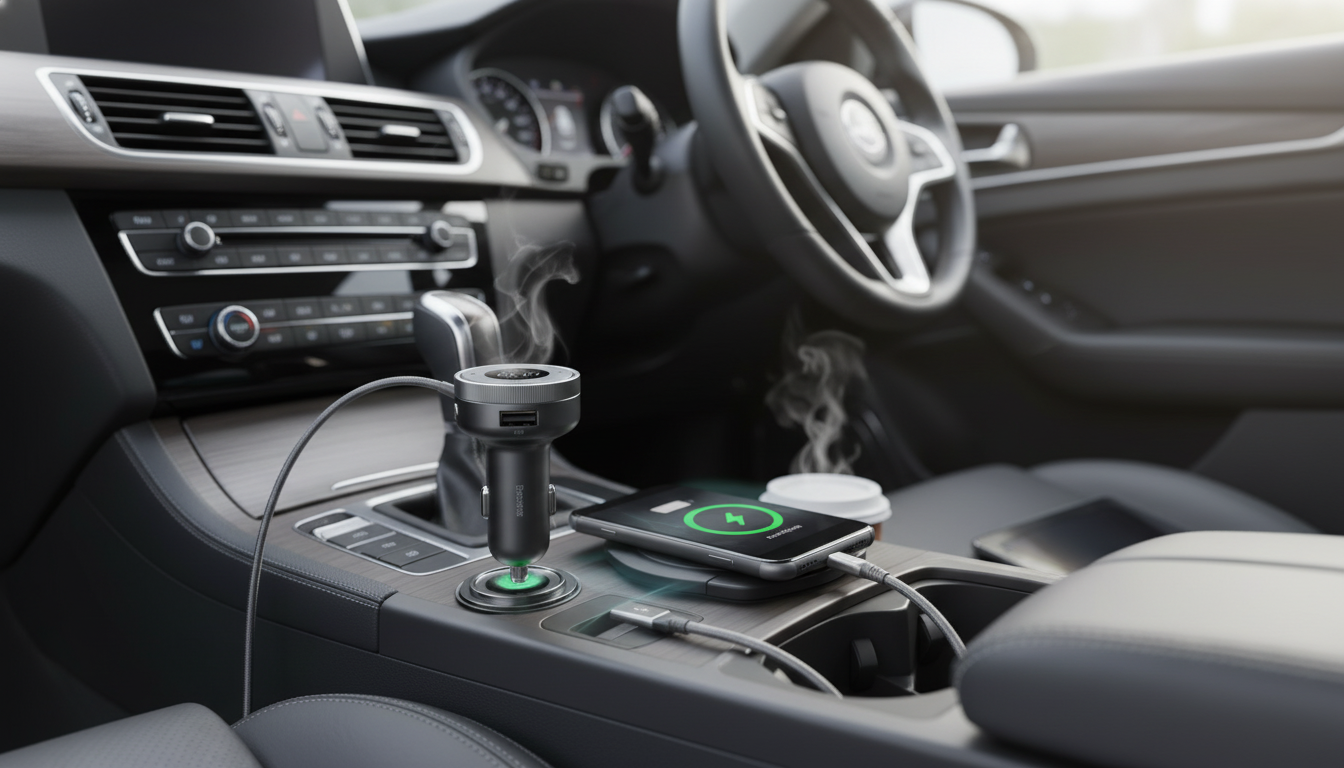
- Power source matters: A quality car adapter (often USB-C Power Delivery) helps the charger reach higher output when supported.
- Heat management: Wireless charging creates heat; placing the mount near an air vent or avoiding direct sun can improve stability.
- Navigation load: GPS, high brightness, and cellular use can outpace charging in extreme conditions; maintaining battery may be the realistic goal.
- Foreign objects: Metal plates, coins, or extra magnetic accessories between phone and charger reduce efficiency and can cause heat.
For background on MagSafe alignment and accessory behavior, Apple’s overview is a helpful reference: Apple Support: About MagSafe for iPhone. For general wireless charging standards, see the Wireless Power Consortium (Qi).
Mounting options and choosing the best placement
The best spot is the one that stays stable over rough pavement, doesn’t interfere with safe driving, and keeps the phone’s charging face square to the mount.
- Vent placement: Convenient and often benefits from cooler airflow, but some vent designs can sag under heavier phones or shift on rough roads.
- Dash/windshield placement: Great visibility; avoid blocking your view and follow local rules on windshield mounting.
- Viewing angle: Avoid extreme tilt where the phone’s top edge leans away; it can reduce effective magnetic contact on some setups.
- Road vibration: Short, rigid setups usually wobble less than long, flexible arms—especially in vehicles with firm suspension.
For safer device use habits while driving, review the guidance from the National Highway Traffic Safety Administration on distracted driving.
Setup steps for a stable magnetic hold and consistent charging
Most “charging flickers” issues are solved by treating setup like a quick calibration: secure the base, confirm power, then fine-tune alignment before you commit to cable routing.
Everyday use, safety, and care
Product details at a glance
In-stock picks
- Magnetic 15W Wireless Car Charger & Phone Mount for iPhone 16–13 ($34.01)
- Homework Help Made Easy Toolkit for Parents – Printable Guide for Creating Study Habits, Homework Strategies & Independent Learning ($7.99)
FAQ
Will a magnetic wireless car charger work with a case on an iPhone?
Yes, it usually works best with MagSafe-compatible cases. Very thick or non-magnetic cases can weaken the magnetic hold and make charging less consistent, so testing without the case can help troubleshoot.
Why does wireless charging in the car sometimes stop or slow down?
The most common causes are heat buildup, slight coil misalignment, or an underpowered car adapter. Improve airflow, re-center the phone on the mount, and use a higher-quality adapter to stabilize charging.
Is a vent-mounted charger safe for the phone and the car vent?
It’s generally safe when clipped securely and not over-tightened. If there’s wobble on rough roads or the vent slats flex, a sturdier mounting location can reduce movement and stress.










Leave a comment