Bluetooth 5.0 FM Transmitter Charger: Dual USB + Qi
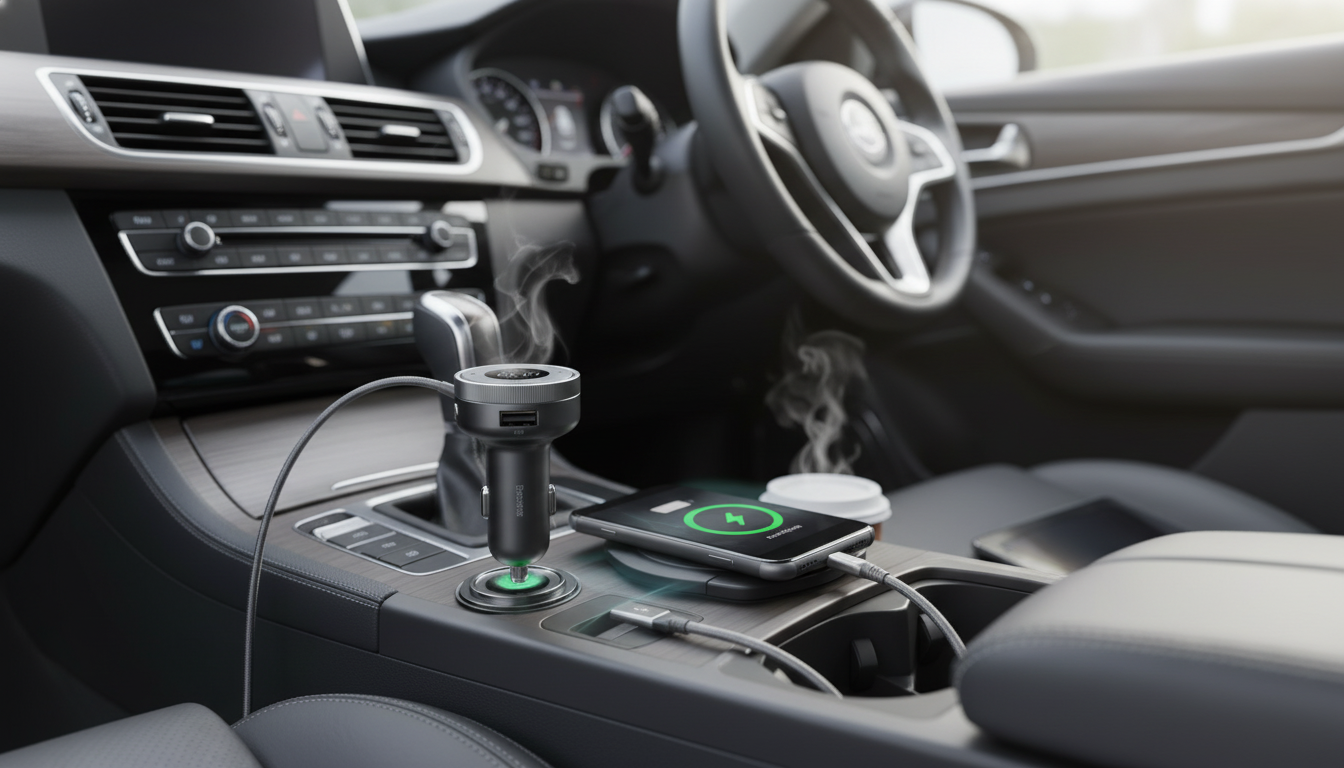
Bluetooth 5.0 FM Transmitter & Wireless Car Charger with Dual USB
Add Bluetooth audio streaming, hands-free calling, and fast, convenient charging to vehicles without built-in Bluetooth. This compact car accessory pairs with a phone and sends audio to the car stereo over an FM frequency while keeping devices powered through wireless charging and dual USB ports. If a daily commute, weekend errands, or a long road trip has turned your car into a rolling “charging station,” this kind of all-in-one adapter keeps the dashboard simpler and the cabin more connected.
What It Does (and Who It’s For)
A Bluetooth FM transmitter/charger bridges the gap between a modern smartphone and an older (or Bluetooth-free) car stereo. It’s designed to solve three everyday pain points at once:
- Streams music, podcasts, and navigation audio from a phone to a car radio via FM.
- Enables hands-free calling through Bluetooth pairing (ideal for older cars without Bluetooth).
- Charges a compatible phone on the wireless pad while also powering other devices via two USB ports.
- Useful for commuters, rideshare drivers, road trips, and families juggling multiple devices.
For an affordable, compact upgrade, the Bluetooth 5.0 FM Transmitter & Wireless Car Charger with Dual USB combines the essentials in one plug-in unit—especially handy in cars where adding an aftermarket head unit isn’t worth the cost or hassle.
Key Features to Look For in Daily Use
- Bluetooth 5.0 connection: Stable pairing and lower latency for calls and media in typical cabin conditions. For background on Bluetooth standards, visit the Bluetooth SIG.
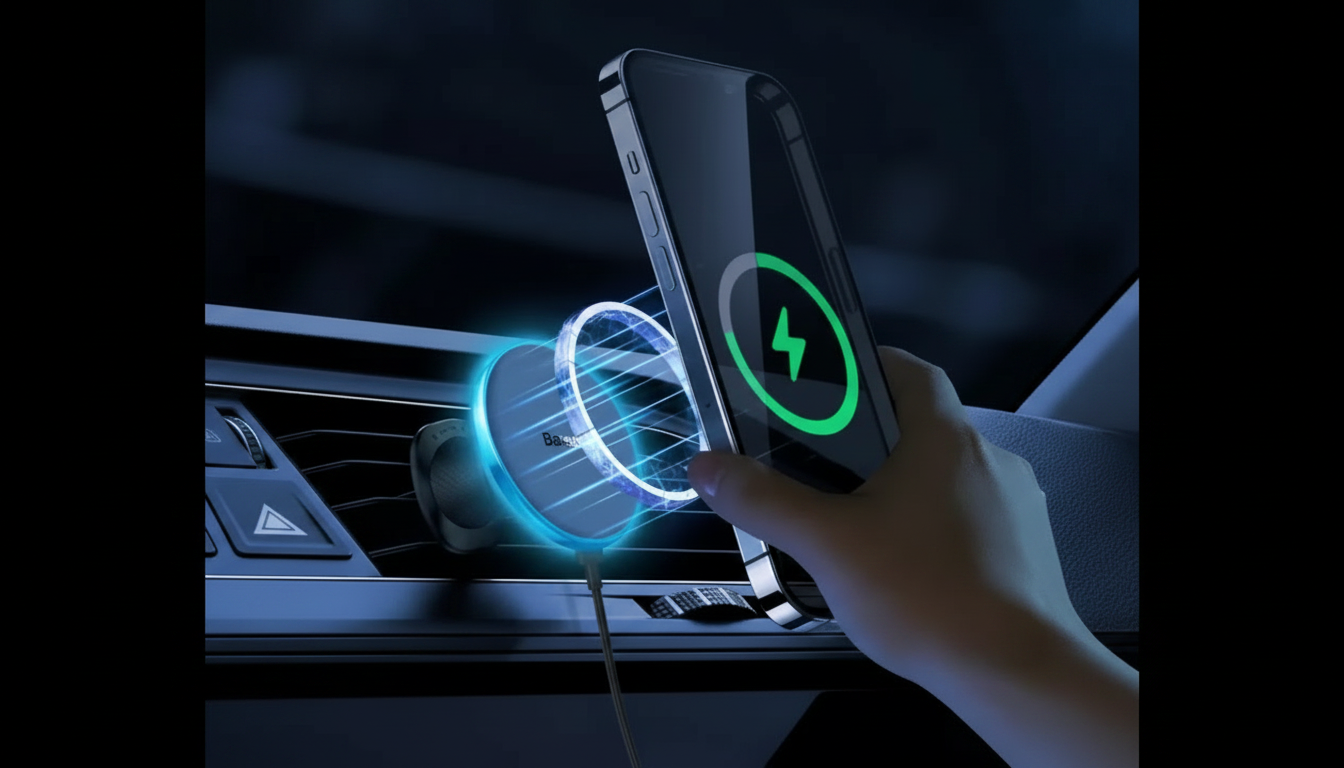
- Wireless charging surface: True “drop-and-charge” convenience; works best with thinner cases and fewer add-ons on the back of the phone.
- Dual USB outputs: Charge passenger phones or power accessories like a dashcam, GPS, or tablet.
- FM frequency selection: The ability to pick a clearer channel reduces interference and keeps audio easier to enjoy.
- Built-in mic and call controls: Helps keep attention on the road; learn more about distraction risks from NHTSA guidance on distracted driving.
Setup in Under 5 Minutes
- Plug the transmitter/charger into the car’s power port and confirm it powers on.
- Choose an open FM frequency on the car radio (one with minimal static).
- Set the transmitter to the same frequency.
- Pair the phone via Bluetooth; confirm audio routes through the car speakers.
- Place the phone on the wireless charging area and connect other devices to the USB ports as needed.
- If noise is present, try a different frequency and keep the phone’s volume around 70–90% while adjusting car volume normally.
Once the initial pairing is done, most phones reconnect automatically when you start the car—ideal for quick transitions from home to the driver’s seat.
Audio Quality Tips for Cleaner FM Sound
FM transmission can sound surprisingly good, but it depends heavily on local radio conditions. A few practical tweaks often make the difference between “good enough” and “why does this sound fuzzy?”
Charging: Wireless Pad + Dual USB (Practical Scenarios)
- Wireless charging alignment matters: Charging works best when the phone is centered; thicker cases, metal plates, magnetic rings, or pop sockets can reduce performance. For general compatibility information on Qi wireless charging, see the Wireless Power Consortium (Qi).
- Use the USB ports strategically: Reserve USB for a second phone, passenger devices, or accessories that need steady power (dashcam, GPS unit, LED strips).
- Manage heat: If the phone gets warm, improve ventilation, avoid direct sunlight on the charging area, and consider switching to a cable for heavy navigation plus streaming sessions.
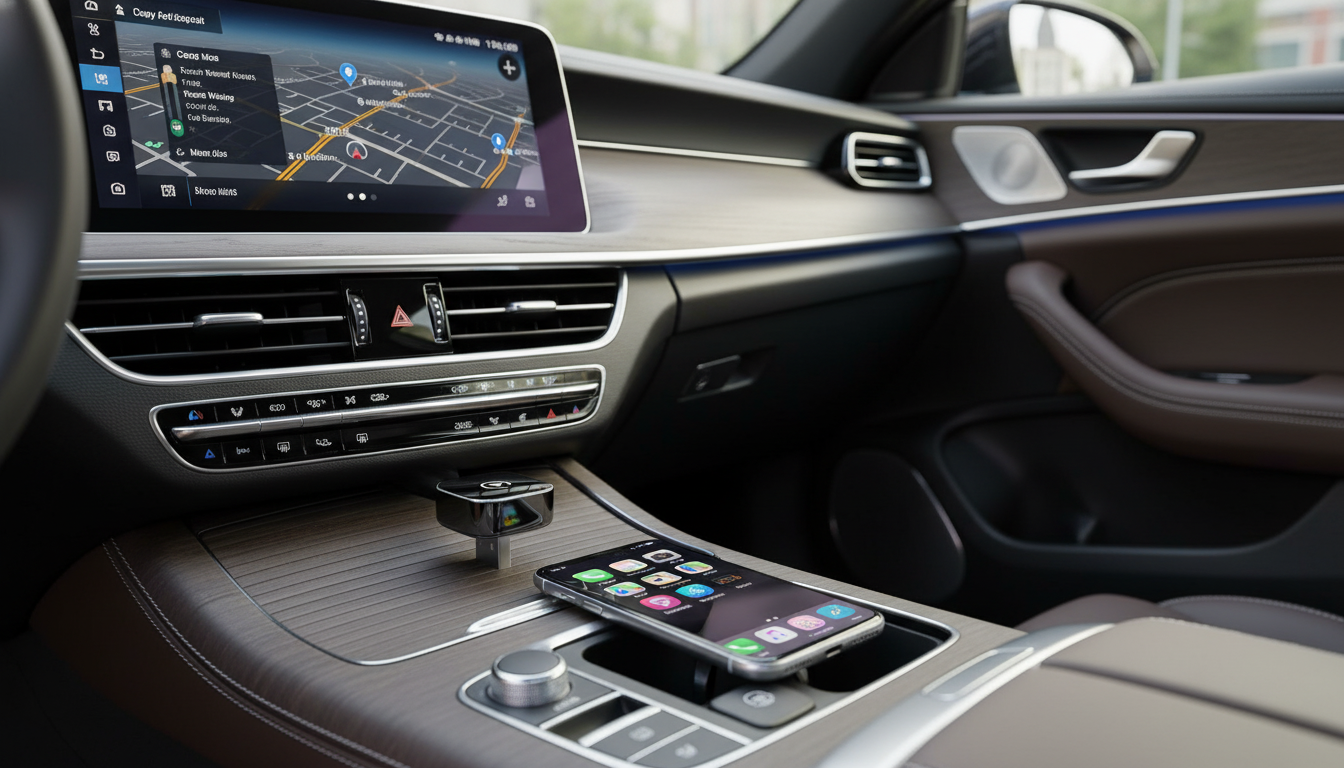
- Navigation stability: For maps-heavy use, keep the phone securely positioned to maintain consistent wireless charging contact—especially on rough roads.
For families and carpools, a quick passenger-friendly add-on can help keep everyone organized on the go. The Homework Help Made Easy Toolkit for Parents – Printable Guide is a simple digital companion for building routines—handy when rides between school, practice, and home become the day’s “planning window.”
Controls, Calls, and Safer Driving Habits
Quick Comparison: Typical Expectations
| Feature | What to expect | Helpful tip |
|---|---|---|
| Bluetooth audio | Wireless streaming to car speakers via FM | Re-pair once if switching phones frequently |
| FM transmission | Quality depends on finding a clear frequency | Change frequency when entering dense metro areas |
| Wireless charging | Convenient placement-based charging | Center the phone; remove metal accessories on the case |
| Dual USB | Charge two extra devices or power accessories | Use quality cables for stable power delivery |
Troubleshooting Common Issues
Product Snapshot
| Item | Details |
|---|---|
| Product | Bluetooth 5.0 FM Transmitter & Wireless Car Charger with Dual USB |
| Price | 13.97 USD |
| Availability | In stock |
| Primary uses | FM audio streaming, hands-free calls, wireless charging, dual USB charging |
FAQ
How do you find the best FM frequency for a Bluetooth FM transmitter?
Scan the radio for a frequency with minimal static (an unused channel), set the transmitter to the same frequency, and retune if interference appears during the drive—especially when entering new cities.
Will wireless charging work with a phone case?
Many cases work, but thick cases, metal plates, magnetic rings, or pop sockets can block charging. If charging is inconsistent, remove the case and re-center the phone on the pad.
Why is there static or buzzing noise when playing music through the car radio?
Interference is usually caused by a crowded FM band or a weak match between the chosen frequency and local stations. Switch to a clearer frequency, ensure a tight power connection, and avoid maxing out the phone volume if it distorts.









Leave a comment